Cyber security

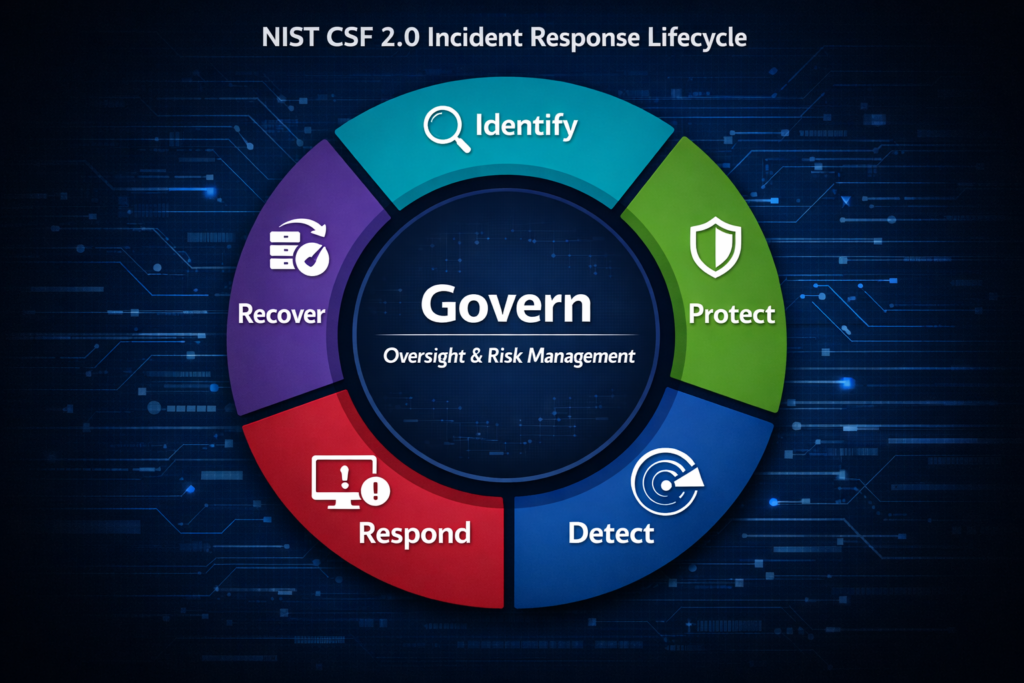
Circular NIST CSF 2.0 diagram with a dark‑navy “Govern” center and five equal outer segments labeled Identify, Protect, Detect, Respond, and Recover, each with its own color and icon on a cyber‑themed background.

How to Use Your IRP During an Incident (Aligned to NIST CSF 2.0)

My role as an analyst is managing incidents end‑to‑end, escalating when needed, and often acting as the point of coordination during active events. So I wanted to walk through how an Incident Response Plan is actually used during a live incident, the practical, real‑time steps that matter when you’re the one guiding the response. Most […]

How to Use Your IRP During an Incident (Aligned to NIST CSF 2.0) Read More »

Patch Management Series logo featuring a metallic shield with two interlocking gears and a digital circuit background.

KEV + End‑of‑Life Tracking Tool

One of the Github projects I started this year was a KEV and End‑of‑Life tracking tool, a small engine that pulled CISA KEV entries and vendor EOL timelines, and highlighted assets that were both vulnerable and unsupported. It was a powerful idea. KEV tells you what’s being exploited. EOL tells you what can’t be patched.

KEV + End‑of‑Life Tracking Tool Read More »

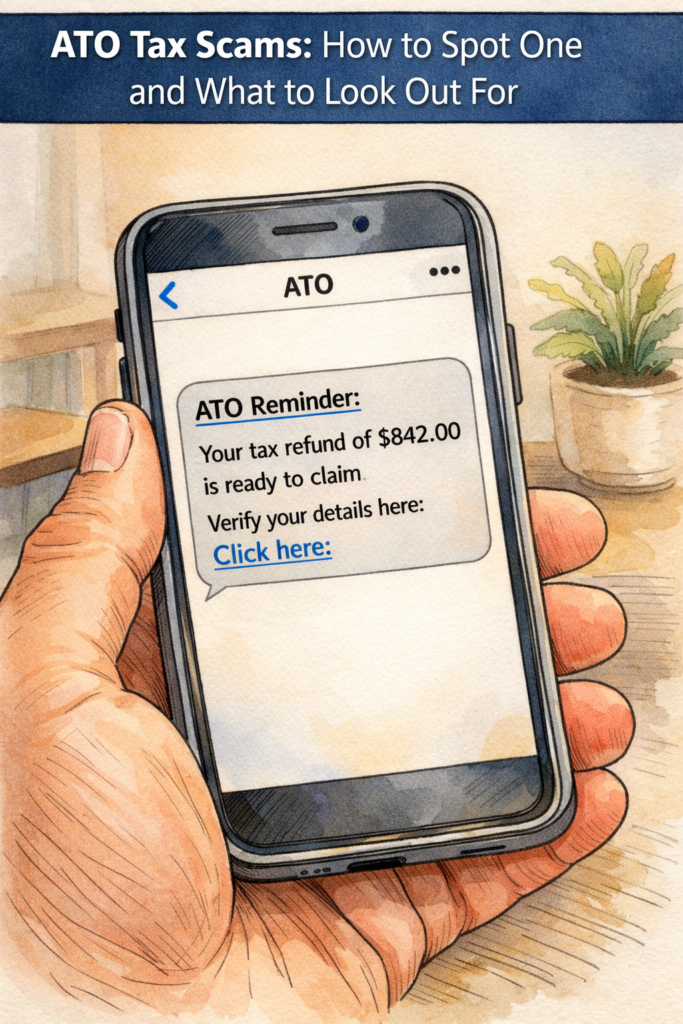
A hand‑drawn, softly coloured illustration showing a person holding a smartphone displaying a fake ATO tax refund SMS message. The banner at the top reads “ATO Tax Scams: How to Spot One and What to Look Out For.”

ATO Tax Scams: How to Spot One and What to Look Out For

Tax season is when Australians are most vulnerable to scams, and scammers know it. Every year, thousands of people receive fake ATO and myGov messages designed to steal refunds, personal information, or access to accounts. If you work, lodge, or claim anything through myGov, these scams are aimed directly at you. I write a lot

ATO Tax Scams: How to Spot One and What to Look Out For Read More »

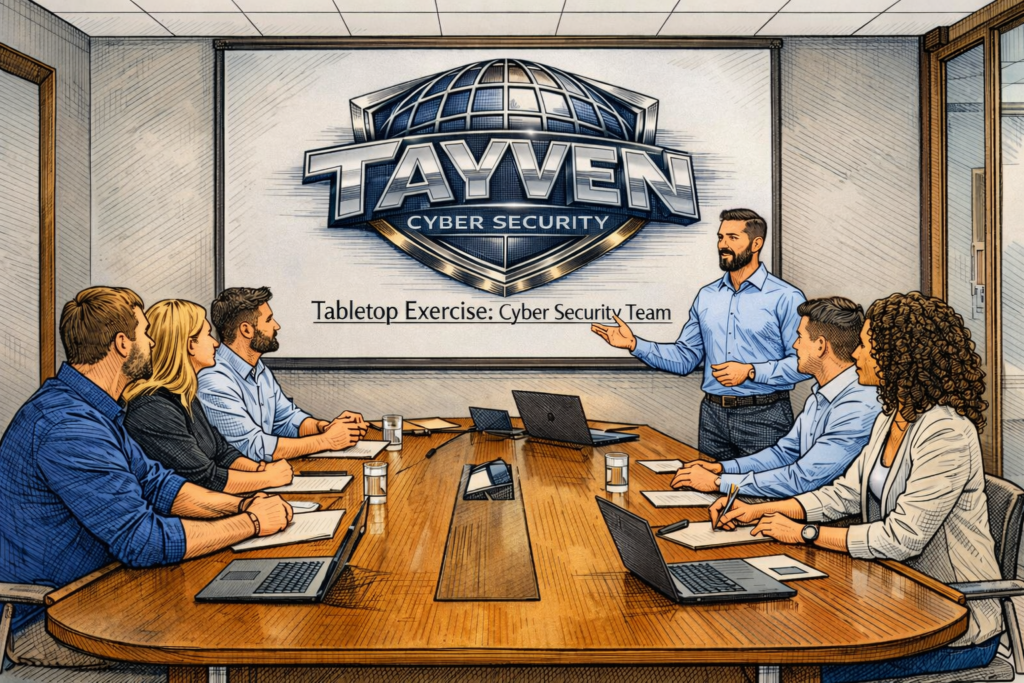
A cybersecurity team sits around a conference table while a facilitator leads a tabletop exercise. The screen behind them displays the Tayven Cyber Security logo and the words “Tabletop Exercise: Cyber Security Team.”

How to Write an After Action Report (AAR) for Cyber Tabletop Exercises

An After‑Action Report is where a tabletop exercise turns into something real. It’s the moment where the conversation becomes clarity, and clarity becomes improvement. This AAR captures not just what happened in the scenario, but how the team thought, reacted, hesitated, and learned, because that’s where the real value sits.

How to Write an After Action Report (AAR) for Cyber Tabletop Exercises Read More »

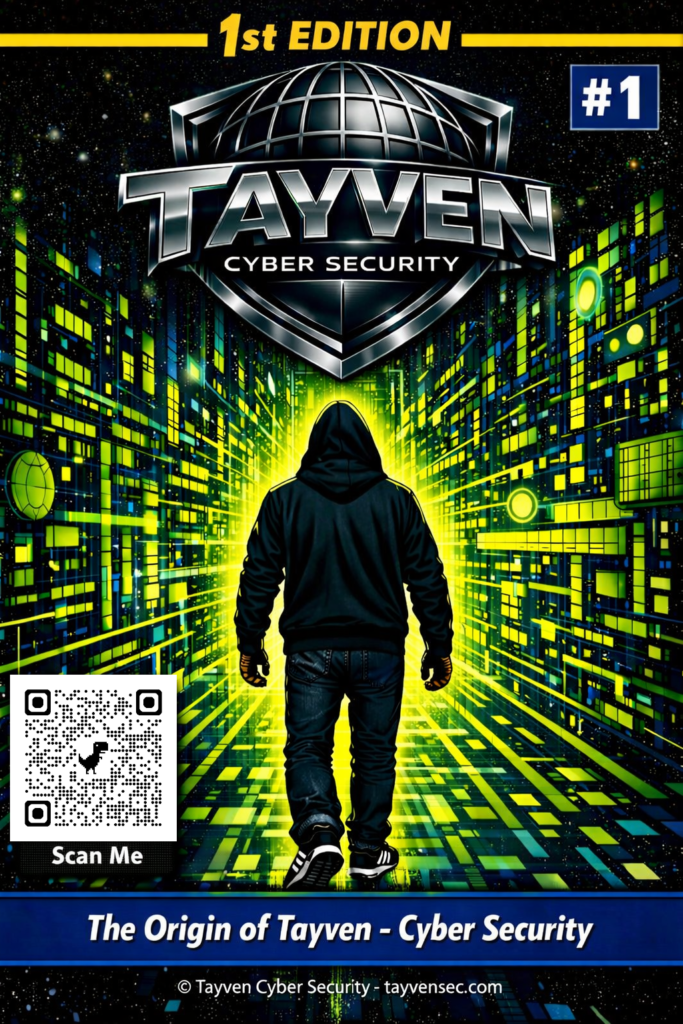
Futuristic comic-style cover showing a hooded figure walking into a glowing digital corridor beneath the Tayven Cyber Security logo.

How I Got Into Cyber, Got Uni for Free, and Passed the SC‑900

Tayven Cyber Security Edition #1: The Education Arc Inside: Uni for Free, Getting Into Cyber, Passing the SC‑900, and the HTB Web Exploitation Pathway You step into the digital frontier, not a void, but a living expanse of systems, signals, and unseen architecture. The paths ahead aren’t labeled; they shift and shimmer with possibility. Cloud,

How I Got Into Cyber, Got Uni for Free, and Passed the SC‑900 Read More »

Minimal, modern abstract background in Microsoft‑style gradients of blue, teal, and purple with geometric shapes and icons representing cloud, identity, and security. Title text reads “How I Passed the SC‑900 on My First Attempt (Using 4 Free Tools + 2 Paid)."

How I Passed the SC-900 on My First Attempt (Using 4 Free Tools + 2 Paid)

I’ve been working with Microsoft systems for years, but this year I finally decided to take the Microsoft certification pathway seriously. Everywhere I looked, job ads, cyber roles, cloud positions, Microsoft certifications were becoming a baseline expectation. They’re affordable, the learning material is free, and they map directly to real‑world work. It just made sense

How I Passed the SC-900 on My First Attempt (Using 4 Free Tools + 2 Paid) Read More »

Minimalist blue‑toned banner showing cybersecurity icons, a laptop with a shield, and the title “How to Write a Modern Incident Response Plan (IRP) Using NIST CSF 2.0.”

How to Write a Modern Incident Response Plan (IRP) Using NIST CSF 2.0

Most organisations have an IRP. Most discover it doesn’t work the moment they actually need it. Not because the document is wrong, but because it was written for the organisation they used to be, not the one responding to an incident today. Incidents in 2026 are cloud‑distributed, identity‑driven, SaaS‑entangled, and business‑impacting. Modern incident response is

How to Write a Modern Incident Response Plan (IRP) Using NIST CSF 2.0 Read More »

Cracked smartphone on a dark table at night displaying a text message notification that says “Hi Dad,” symbolising the start of a scam.

“Hi Dad, I Dropped My Phone”: How a Simple Text Stole $3600 And Why This Scam Is Exploding

A Real Incident Response Case This wasn’t a hypothetical scenario or a second‑hand story, it was a real incident I handled during an incident response call. These impersonation scams are not targeted attacks; they’re mass‑sent messages blasted out to thousands of numbers at once, hoping that one or two people respond at the wrong moment.

“Hi Dad, I Dropped My Phone”: How a Simple Text Stole $3600 And Why This Scam Is Exploding Read More »

Patch Management Series logo featuring a metallic shield with two interlocking gears and a digital circuit background.

APRIL 2026 SECURITY PATCH ROUNDUP – Windows, iOS, macOS, Android, Linux

This month’s roundup covers the latest security updates from Microsoft, Apple, Google, and the major Linux distributions. Inside you’ll find the new Windows KB release, Apple’s iOS and macOS security fixes (including the DarkSword patch), Google’s April Android bulletin, and the current security advisories from Ubuntu. The report outlines the key vulnerabilities addressed across each

APRIL 2026 SECURITY PATCH ROUNDUP – Windows, iOS, macOS, Android, Linux Read More »