The Everyday Cyber Security series is a practical, jargon‑free guide to staying safe online with small, easy habits.
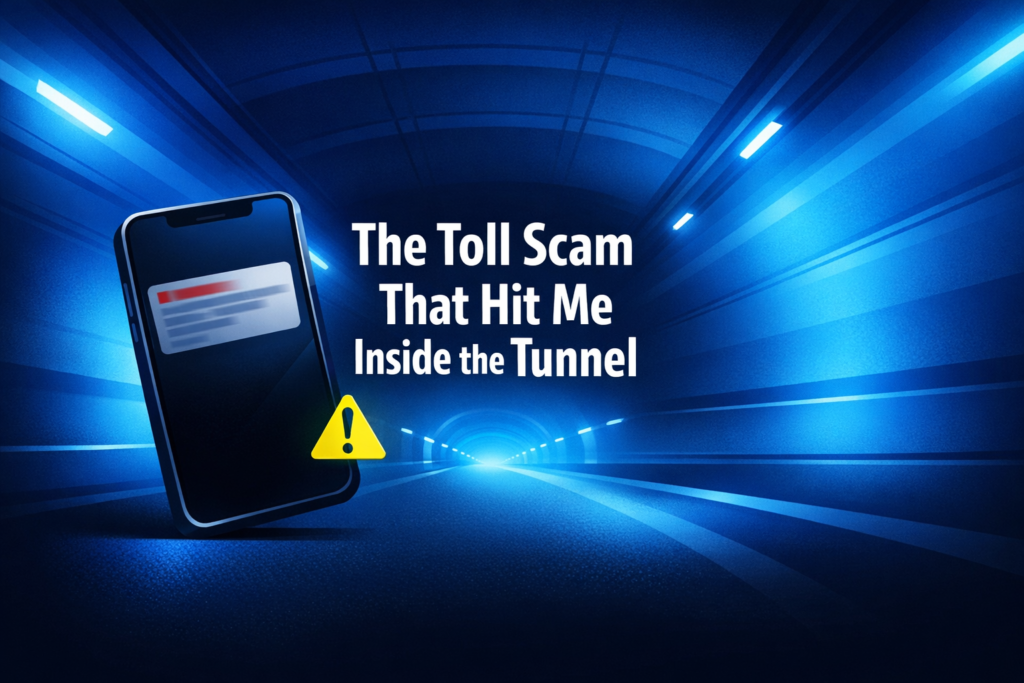
There’s a moment in every horror movie where the character realises the threat isn’t outside, it’s already inside the house! My version of that happened in the NorthConnex tunnel. I’m sitting in the passenger seat, enjoying the smooth ride, blue lights glowing, whale mural doing its thing… when suddenly my phone lights up with a toll scam message:
“Your NorthConnex toll has not been paid. Please settle immediately.”
And all I could think was: “But… I’m still inside the tunnel.”
That was the moment the comedy turned into cyber awareness real quick, and the moment I realised just how smart toll scam texts have become.
Lesson 1: Timing Is the New Social Engineering
Most people think scam texts are random. They’re not. Modern scammers rely on timing, not typos.
They know when people are:
- commuting
- distracted
- stressed
- in motion
- expecting a toll charge
If you’ve just driven through a tunnel or over a toll road, a message about unpaid fees feels normal. Except in my case, it wasn’t I hadn’t even passed the toll point yet.
This wasn’t luck.
Being lunchtime, they knew people would be commuting and distracted, so it was strategic timing, the new weapon in social engineering.
Lesson 2: Urgency Is Still the Oldest Trick in the Book
The message used all the classic pressure words:
- “immediately”
- “avoid penalties”
- “unpaid”
Urgency shuts down your critical thinking. When you’re travelling or commuting, your brain is already juggling enough.
Scammers know that and they exploit it! Urgency is a red flag, not a reason to tap the link.
Lesson 3: Real Toll Providers Don’t Text You Mid-Tunnel
Transport authorities don’t:
- send instant toll invoices
- text you while you’re still underground
- demand payment via a random link
- threaten penalties within minutes
Real toll charges take time to process. Scammers operate on “catch them before they think.”
The domain in the message didn’t match Linkt, or anything official. In our case, our tolls are automatically paid and yours probably are too, so there was no reason for a random text to appear out of nowhere.
That was the giveaway. One of the simplest cyber skills you can build is learning how to quickly check if a link is legit.
Lesson 4: Your Phone Is a Target Even When You’re Not Using It
Cyber attacks don’t wait until you’re online.
They happen:
- while you’re driving
- while you’re eating
- while you’re asleep
- while you’re in a tunnel
Your phone is always reachable, which means scammers can reach you anytime too.
Awareness beats software every time.
Lesson 5: How to Check a Scam Text the Safe, Smart Way
I didn’t click the link. Not because I’m some cyber superhero (well… I am) but because I gave myself a 3‑second pause, just long enough to think:
“How could I owe a toll I haven’t passed yet?”
That tiny pause is everything. It interrupts the panic, gives your brain a moment to catch up, and stops you from tapping a link you’ll regret.
But the pause is only half the story.
Here’s the part most people get wrong: Never forward a suspicious phishing message to someone else to check. If you send the scam to a friend or family member, you’re just exposing them to the same risk. If they’re tired, stressed, or distracted, they might click what you didn’t.
Common Red Flags in a Scam Text Message
- Unsolicited messages with links: like getting a login code or payment alert when you didn’t request anything.
- Urgency or threats: “Pay now”, “Your account will be suspended”, “Immediate action required”.
- Unexpected bills or fines: especially for tolls, parcels, or services you didn’t use.
- Weird or shortened links: anything with odd spellings, extra hyphens, or domains that don’t match the real company.
- Strange sender numbers: random mobiles, overseas numbers, or numbers that don’t match official contact details.
- Spelling or grammar mistakes: scammers rush, companies don’t.
- Requests for personal info: passwords, bank details, verification codes.
- Messages that don’t match your behaviour: like a toll you haven’t passed or a parcel you didn’t order.
- Pressure to click a link instead of using the official app: real companies always show alerts inside your account.
How to Review a Suspicious Text Message (Quick, Safe, Effective)
- Pause for 3 seconds to break the panic reaction.
- Call or message someone you trust and describe the text instead of forwarding it.
- If you can’t talk to someone, explain the message to Copilot or ChatGPT, describing it out loud helps you slow down and spot the red flags.
- Explain why it feels suspicious so you can spot red flags together.
- Stay calm because urgency and pressure are the scammer’s main weapons.
- Check the official app or website to see if the alert or bill actually exists.
- Call the company using the number on their official website, not the one in the message.
- Look at the link without clicking and check for misspellings or strange domain endings.
- If anything feels off, don’t click! Real companies will contact you again through official channels.
The buddy system is about getting a second brain involved, not spreading the scam like a digital cold.
Further Reading: Your First Steps into Everyday Cyber Security Series
- Social Media Privacy Reset – A step-by-step guide to tightening your social media privacy settings.
- Think Before You Click – How to recognise suspicious links, messages, and online traps before you fall for them.
- Strong Authentication Made Simple – A clear breakdown of MFA, why it matters, and how to set it up properly.
- Everyday Device Protection – Simple settings and habits that harden your phone and laptop against common threats.
- Travel Cyber Security Tips – How to stay secure on public Wi-Fi, in airports, hotels, and while exploring abroad.
- Introducing Everyday Cyber Security – The origin of the series and the philosophy behind making cyber security accessible.