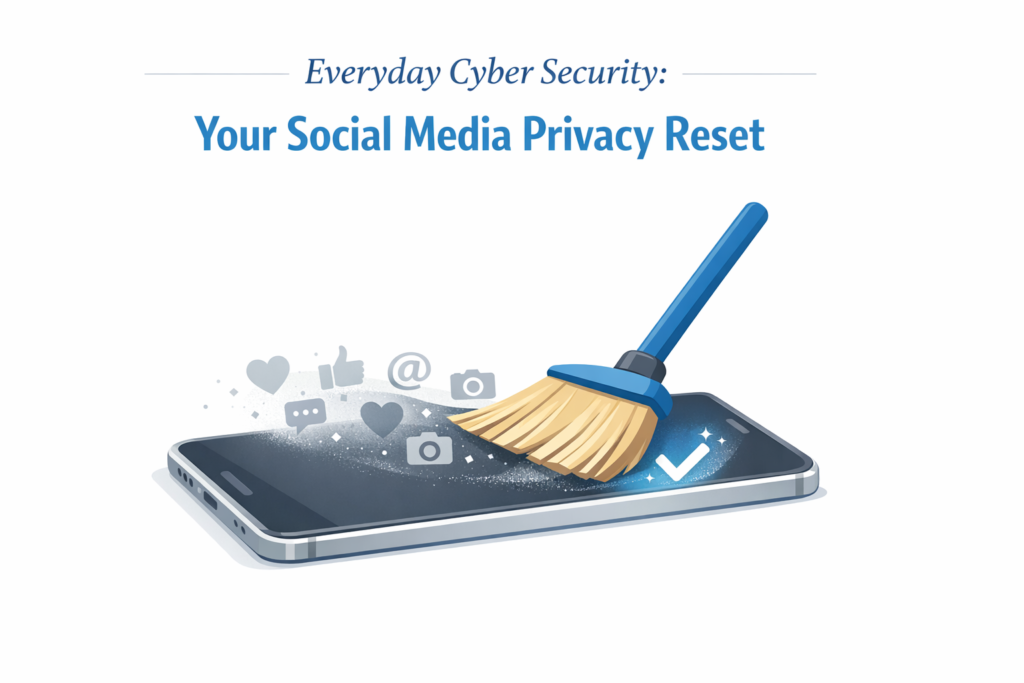
Social media is part of everyday life, but it also exposes more personal information than most people realise. Scammers, data harvesters, and identity thieves rely on the small details people casually share. A social media privacy reset is a simple way to take back control of your accounts and reduce your risk. It only takes a few minutes and makes a meaningful difference.
Everyday Cyber Security is a practical series designed to help you stay safe online without needing technical expertise. Each guide focuses on simple, high-impact habits you can apply in minutes.
Why a Privacy Reset Matters
- Oversharing fuels scams. Details like birthdates, addresses, and travel plans are valuable to identity thieves.
- Loose privacy settings can expose your posts to strangers, bots, recruiters, or scammers.
- Old accounts and unused apps often keep access to your data long after you stop using them.
A quick privacy reset strengthens your security with minimal effort.
Step 1: Lock Down Your Profiles
- Set your profiles to private so only trusted contacts can see your posts.
- Check the audience on each post and avoid using “Public” unless necessary.
- Turn off location tagging to avoid broadcasting your real-time movements.
Step 2: Review What You’ve Already Shared
- Limit older posts to “Friends only.”
- Remove sensitive details such as birthdates, addresses, school names, or pet names.
- Review tagged photos and enable tag approval before anything appears on your profile.
Step 3: Clean Up Apps and Accounts
- Review connected apps and revoke access for anything you no longer use.
- Close old or forgotten accounts, as they are easy targets for attackers.
- Enable login alerts so you’re notified if someone signs in from a new device.
Step 4: Share Less, Protect More
- Avoid posting your full birthdate, as it is often used for identity verification.
- Do not share travel plans in real time. Post photos after you return.
- Keep work details minimal. Job titles, tools you use, and employer names can be used for targeted scams, especially on platforms like LinkedIn.
Step 5: Stay Alert for Scams and Deepfakes
- Be cautious with urgent money requests, even if they appear to come from someone you know.
- Verify videos and voice notes, as AI tools can clone faces and voices convincingly.
- Report and block suspicious accounts instead of engaging with them.
Five-Minute Privacy Reset Checklist
- Profiles set to private
- Location tagging disabled
- Past posts reviewed
- Connected apps trimmed
- Login alerts turned on
Quick FAQs
Do I need to delete old posts?
Not always. Change the audience to “Friends” and remove anything that reveals private details.
Should I accept friend requests from people I don’t know?
No. Fake accounts are a common tool for scams and data harvesting.
What’s the fastest improvement I can make right now?
Set your profile to private and enable login alerts. These two steps block most casual snooping and help you spot suspicious activity early.
A Final Thought
Cyber security isn’t a one-time task. Small habits compound over time, and every improvement strengthens your digital resilience. You’re never obligated to use social media, and stepping back is always a valid choice. Your privacy, focus, and wellbeing often benefit from being selective about where you spend your time online.
If you’re building your own privacy routine, keep exploring the Everyday Cyber Security series and take it one step at a time.