You open your phone and see a text message from a company you’ve dealt with before. But instead of seeing their name at the top of the conversation, you see a label you’ve never noticed before:
Unverified
Is it a scam? Should you delete it immediately?
Australia has introduced new protections designed to make text message impersonation scams harder to pull off. As part of these changes, you may start seeing messages marked as**”Unverified.”**
Understanding what that label means could help you avoid becoming the next victim of a scam.
Why Are More Australians Being Targeted by Text Scams?
Text messages have become one of the favourite tools of cybercriminals.
Unlike email, SMS messages often feel more personal and urgent. Most people read them within minutes, making them an effective way for scammers to create panic before you’ve had time to think.
Common scam text messages often claim that:
- Your parcel cannot be delivered
- Your toll payment failed
- Your bank account has suspicious activity
- Your myGov account has been locked
- A family member needs urgent help
The goal is always the same:
Get you to click before you think.
What Is a Sender ID?
Many legitimate organisations don’t send SMS messages from a phone number.
Instead, they use what’s called a Sender ID.
For example, instead of receiving a text from a mobile number, you might receive one from:
- myGov
- Linkt
- Medicare
- Australia Post
- Your bank
This helps people identify who appears to be sending the message.
Unfortunately, scammers have learned to exploit this trust.
In some cases, criminals can impersonate legitimate Sender IDs, making scam messages appear far more convincing than they really are.
What Changed in Australia?
Australia has introduced an SMS Sender ID Register to help reduce impersonation scams.
Under the new system, legitimate organisations can register their Sender ID so mobile providers can better verify who is sending messages. Messages using unregistered sender IDs may be labelled as “Unverified.”
The goal is simple:
Give Australians another clue that helps them decide whether a message deserves their trust.
What If the Message Looks Legitimate?
This is where many people get caught. Scammers don’t send messages that obviously look fake anymore.
Modern scams often:
- Use correct company logos
- Reference real brands
- Include realistic links
- Use professional language
- Create urgency
A message can look completely legitimate and still be a scam. That’s why the safest habit is not deciding whether the message “looks real.”
Instead, ask:
“How can I verify this independently?”
The Golden Rule: Never Use the Link in the Message
Imagine you receive this text:
“Your Toll payment could not be processed. Update your details immediately to avoid additional fees.”
Even if the message appears genuine, don’t click the link.
Instead:
- Open the official app
- Visit the official website yourself
- Log in using your normal method
- Check whether there’s actually a problem
Scamwatch recommends independently locating the organisation’s website or using its official app instead of following links provided in text messages.
This single habit can stop most SMS scams.
What About Messages From Family or Friends?
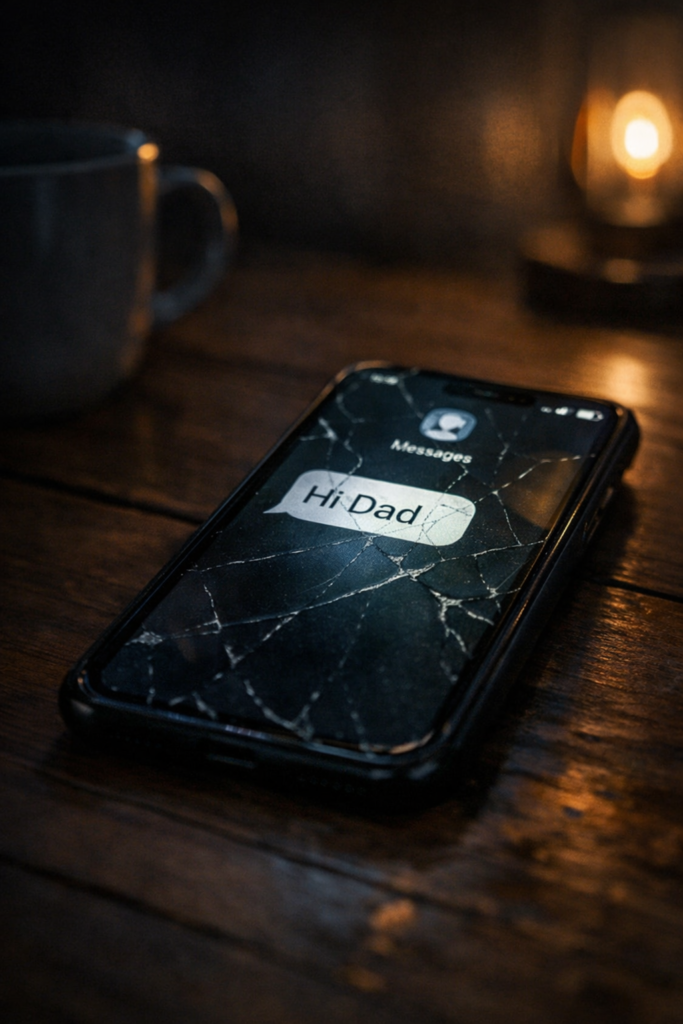
One of the most successful scams in Australia begins with:
“Hi Mum”
or
“Hi Dad”
The scammer claims they’ve lost their phone and need urgent financial help. These messages work because they exploit emotions rather than technology.
If someone claims to have a new phone number:
- Call the original number you already have
- Contact them through another channel
Scamwatch recommends independently verifying anyone who claims they have changed phone numbers.
Never transfer money based solely on a text message.
Five Questions to Ask Before You Click
Whenever you receive an unexpected text message, pause and ask:
1. Was I expecting this?
Unexpected messages deserve extra scrutiny.
2. Is the message creating urgency?
Scammers often try to make you panic.
3. Does it ask me to click a link?
Treat links with caution.
4. Does it ask for personal information?
Legitimate organisations generally have secure ways to verify customers.
5. Can I verify this myself?
If yes, verify independently.
If no, don’t engage.
What Should You Do If You Clicked?
Don’t panic.
Many people realise they have made a mistake only after clicking.
If you’ve provided:
Personal Information
Contact the organisation involved immediately.
Banking Information
Contact your bank as soon as possible.
Identity Documents
Consider contacting IDCARE for support and advice.
The faster you act, the more options you may have available.
Final Thoughts
Australia’s new SMS Sender ID protections are a welcome step towards reducing text message scams.
But technology alone cannot make security decisions for us.
Whether a message is marked Unverified, comes from a familiar company name, or appears in an existing message thread, the same rule applies:
Stop. Check. Then act.
The few seconds you spend verifying a message could save you hundreds, thousands, or even your identity.
Further Reading
- Scamwatch – Text or SMS Scams https://www.scamwatch.gov.au/types-of-scams/text-or-sms-scams
- ACMA – SMS Sender ID Register https://www.acma.gov.au/sms-sender-id-register
- ACMA – SMS Sender ID Register Goes Live to Help Protect Australians from Scams https://www.acma.gov.au/articles/2026-06/sms-sender-id-register-goes-live-help-protect-australians-scams
Further Reading: Cyber Security Awareness Series
If this incident taught me anything, it’s that cyber security isn’t about being perfect, it’s about being prepared.
- “Hi Dad, I Dropped My Phone”: How a Simple Text Stole $3600 And Why This Scam Is Exploding – A complete breakdown of the “Hi Dad / Hi Mum” text message scams
- The Toll Scam Text Message That Hit Me Inside the Tunnel– A practical guide to recognising and avoiding toll‑text message scams.
- Social Media Privacy Reset – A step-by-step guide to tightening your social media privacy settings.
- Think Before You Click – How to recognise suspicious links, messages, and online traps before you fall for them.
- Strong Authentication Made Simple – A clear breakdown of MFA, why it matters, and how to set it up properly.
- Everyday Device Protection – Simple settings and habits that harden your phone and laptop against common threats.
- Travel Cyber Security Tips – How to stay secure on public Wi-Fi, in airports, hotels, and while exploring abroad.
- Introducing Everyday Cyber Security – The origin of the series and the philosophy behind making cyber security accessible.